Please wait...
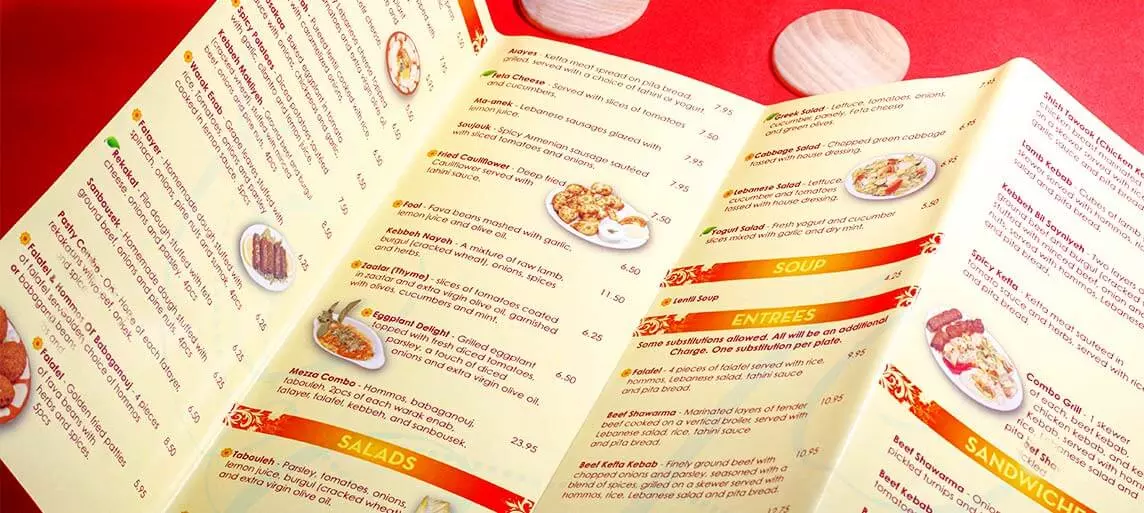
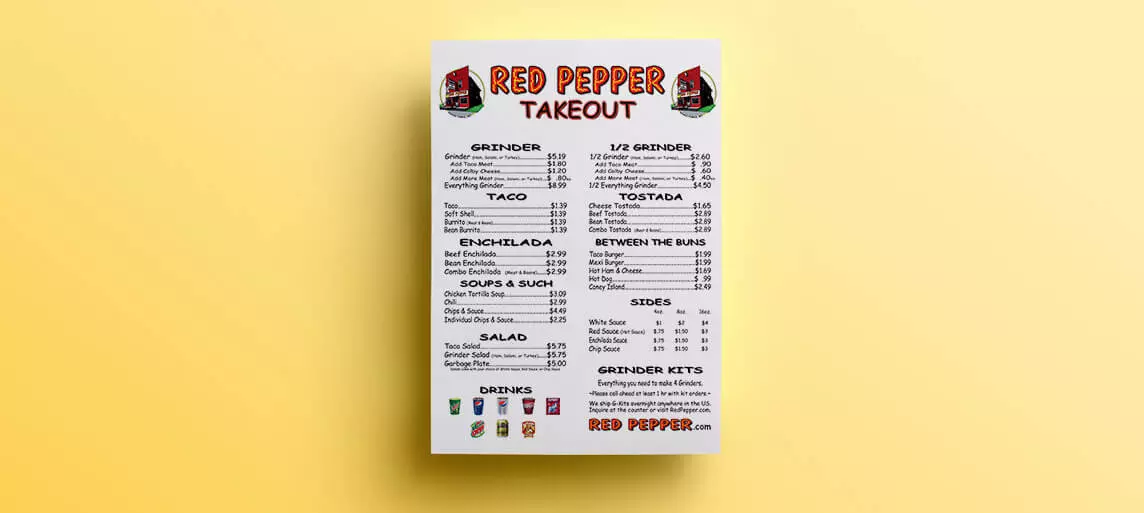
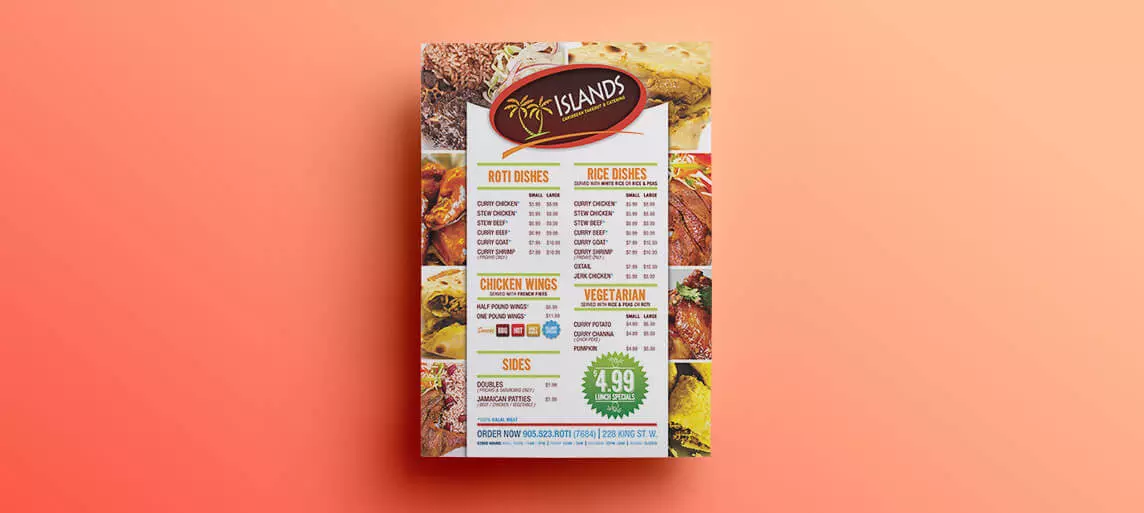
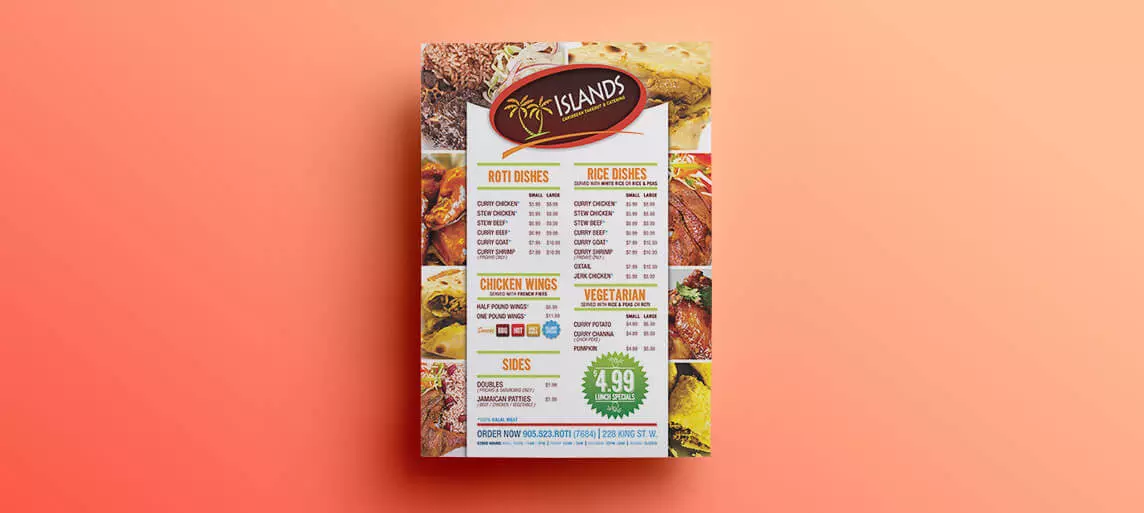
Take out menu printing will have your customers tacking your menu to their corkboards and always keeping your restaurant in mind when it comes time to take food home!
Features
Size
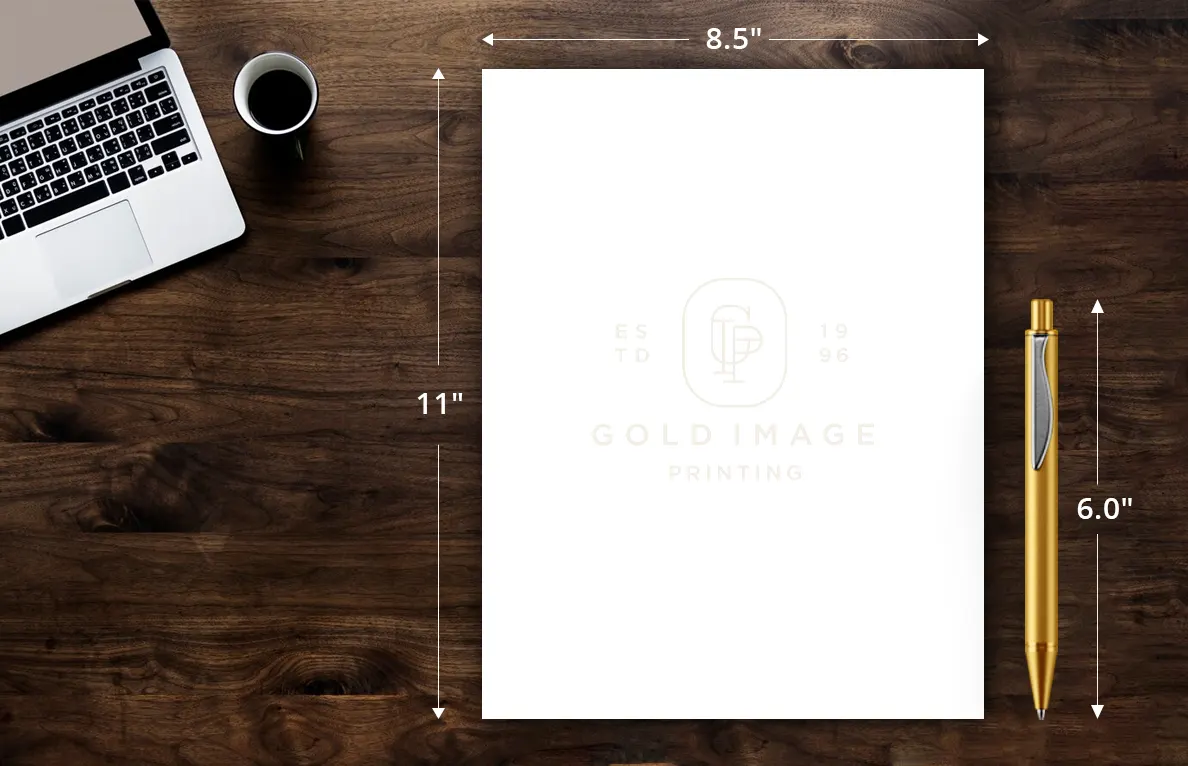
Letter-sized for U.S. standards--it's the most cost-effective and efficient choice.
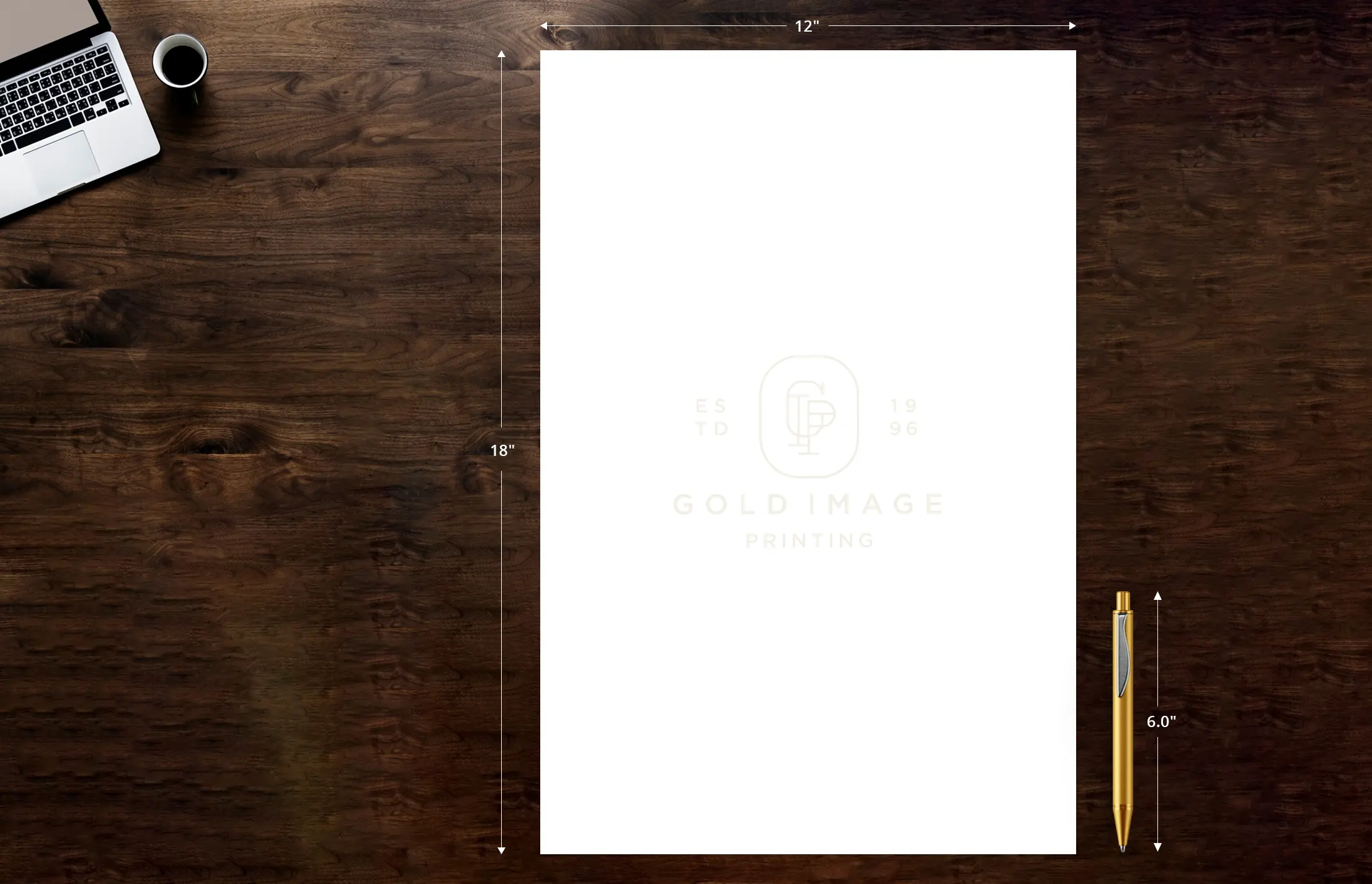
Spacious and versatile, ideal for standout designs and bold ideas!
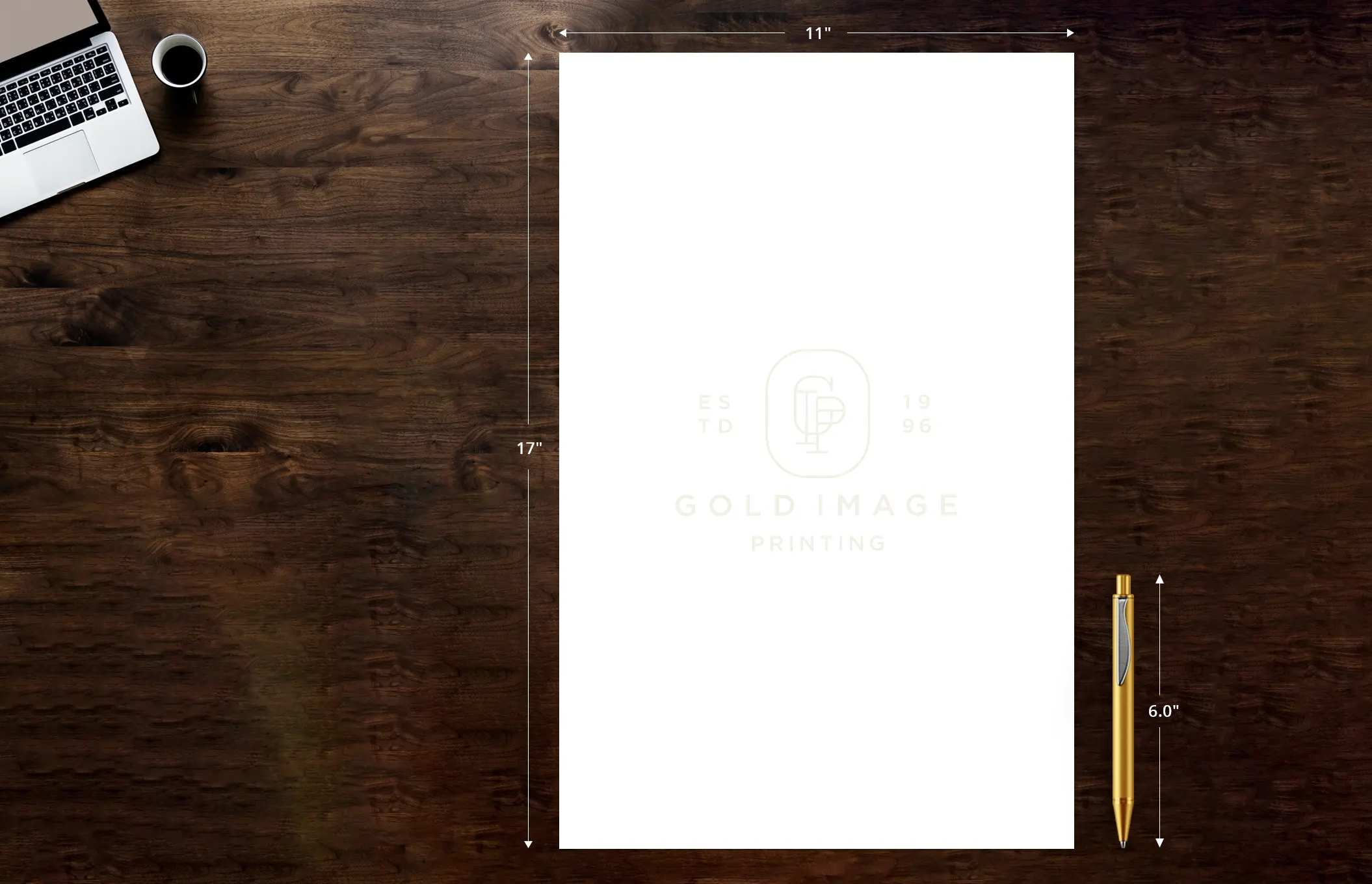
The 11x17 is a dynamic size, perfect for posters, newsletters, and eye-catching layouts!
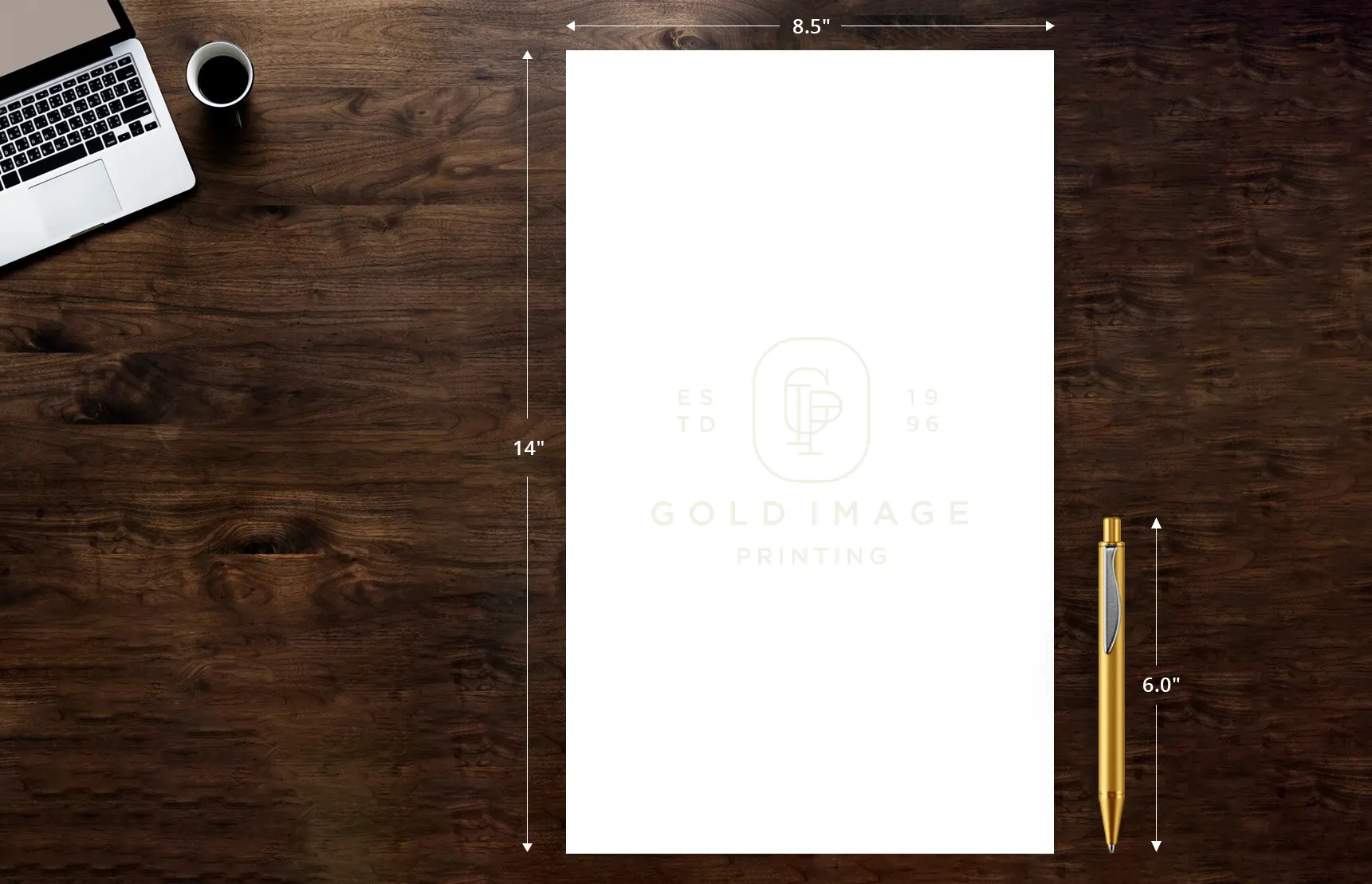
The ideal legal size for documents, offering ample space without sacrificing portability!
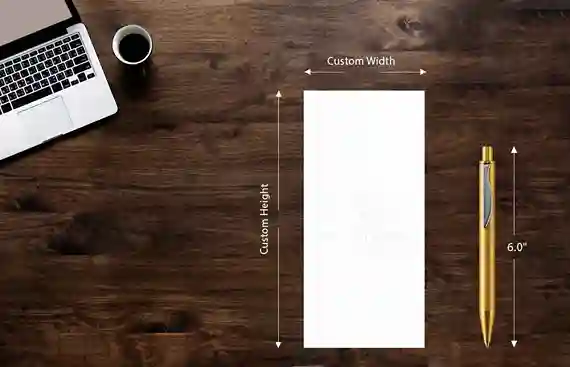
Create your ideal fit with custom-size envelopes tailored to your unique needs and style.
Paper Stock
what's the ideal paper stock?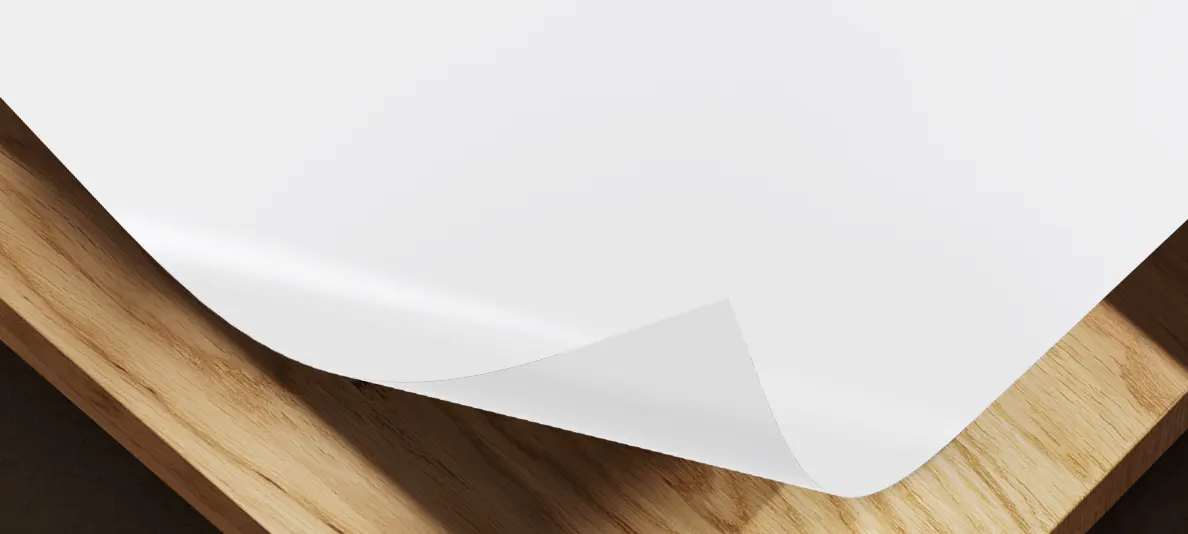
 Standard size and ideal for a variety of printing needs.The gloss finish enhances colors, making your prints pop!Crafter to withstand handling while maintaining a professional appearance.Maximizes your budget while delivering quality.
 A soft silk finish offers a smooth, non-glossy surface that enhances readability and gives a refined, elegant look.Perfect for folded brochures, menus, and programs, adding a gentle curve for a sophisticated presentation.The silk coating enhances colors without the high gloss, providing a professional appearance.Sturdy enough for frequent handling while still lightweight and easy to fold or roll.
How to order
 1
1
Select your desired product attributes using the options in the right panel of the page.
 2
2
Upload your design file or create one online using our easy-to-use design tool.
 3
3
Review the final proof file and approve it to complete your order.
Color

Our digital full color printer will blend the 4 primary colors: cyan, magenta, yellow and black (CMYK) to create any color on the spectrum that will be applied to one side of your product.
Our digital full-color printer utilizes the four primary colors—cyan, magenta, yellow, and black (CMYK)—to produce a vibrant spectrum of colors, ensuring your design is beautifully applied to both the front and back of your product.
Speciality
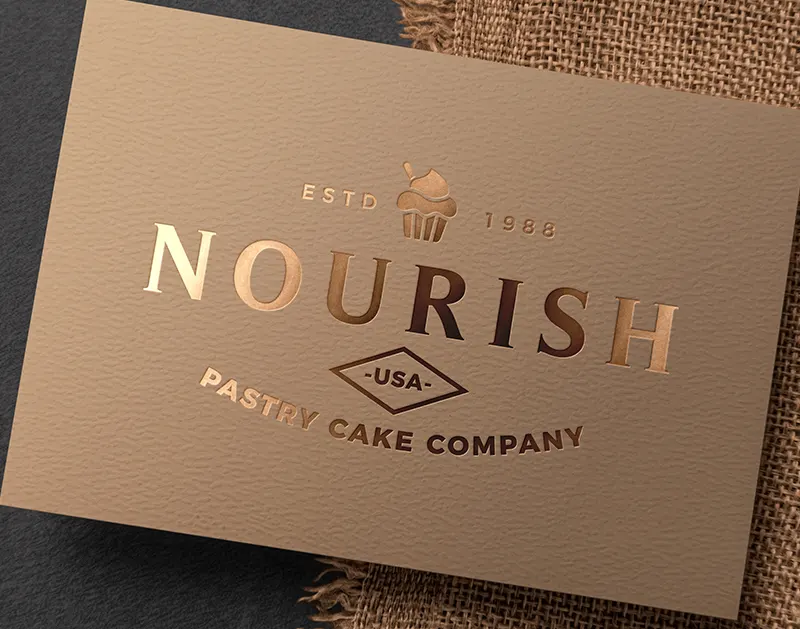
Foil stamping adds a stunning metallic or glossy finish to your designs by applying a thin layer of foil through heat and pressure. This technique creates eye-catching accents on cards, invitations, and packaging. It gives your projects a premium look that stands out and elevates the overall aesthetic.
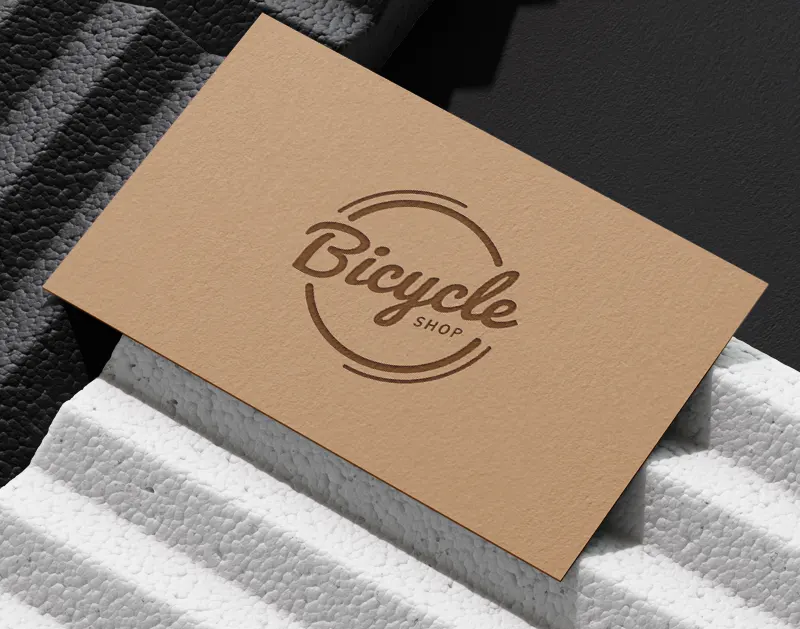
Debossing creates an elegant, recessed design by pressing your artwork into the material, leaving a lasting impression. This technique adds depth and texture. It's ideal for enhancing the sophistication of items like business cards, invitations, and packaging.
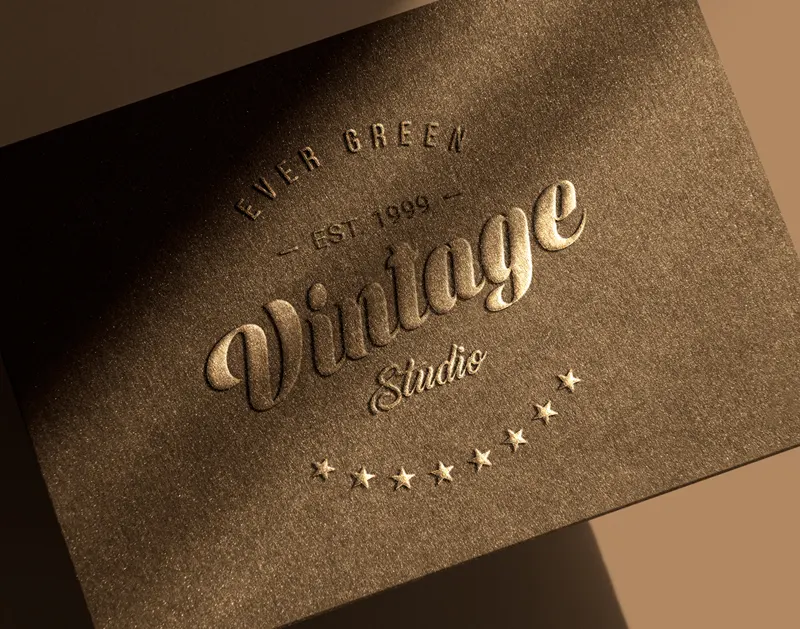
Emboss printing elevates your designs by creating raised, 3D effects on materials through the use of engraved dies. This technique adds texture and provides a tactile experience, making it perfect for enhancing the elegance of cards, packaging, and other decorative items. The result is a sophisticated and luxurious appearance that captures attention.
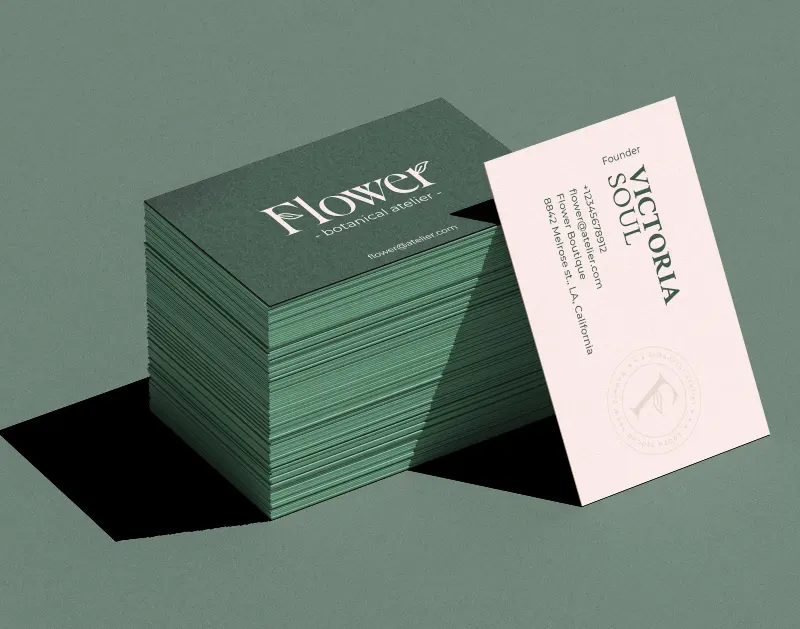
Edge painting adds vibrant color to the edges of the paper, accentuating your design and drawing attention to the sides. Often used on business cards and invitations, this technique creates a striking, eye-catching effect that adds a unique and refined touch to your projects.
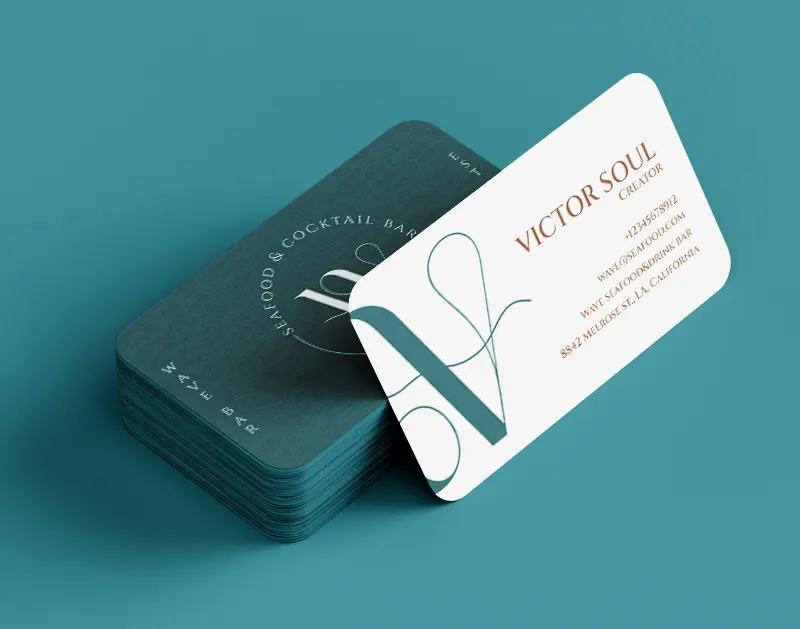
Round-edge printing features elegantly trimmed corners on paper or cards, resulting in smooth, curved edges. This technique softens sharp corners, imparting a sleek and modern appearance. It's a popular choice for business cards and invitations, offering a polished and professional finish.
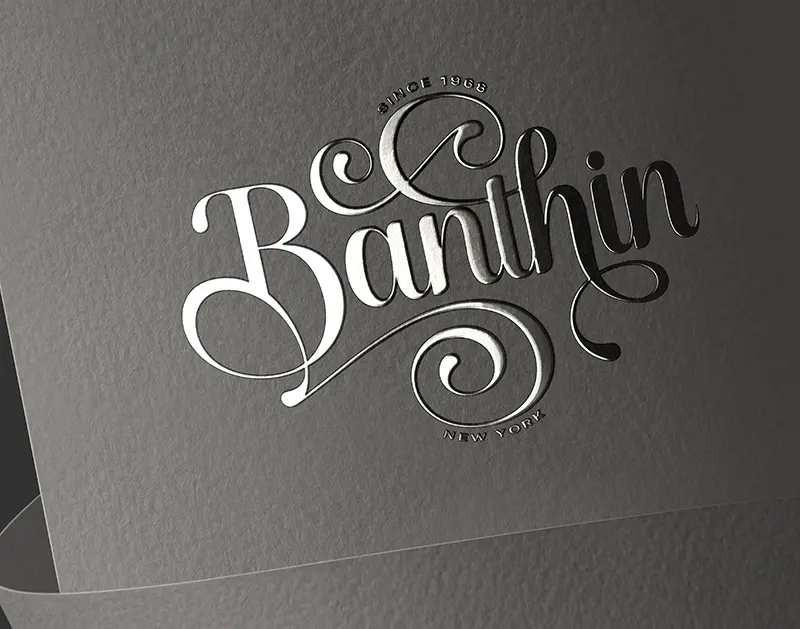
Raised Spot UV printing is a technique that applies a clear, glossy coating to select areas of a printed design, creating striking contrast and a tactile, three-dimensional effect. This method enhances the visual appeal with added depth and texture, resulting in a sophisticated and professional finish.
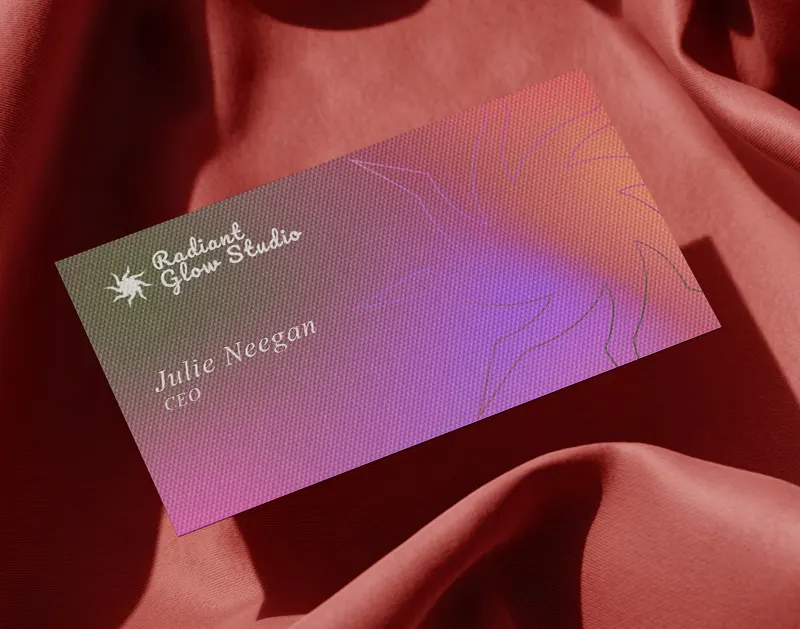
Spot UV printing is a technique that applies a clear, glossy coating to specific areas of a printed design, creating stunning contrast and shine. This process adds a sleek, professional finish while enhancing both visual appeal and texture, making your materials stand out.
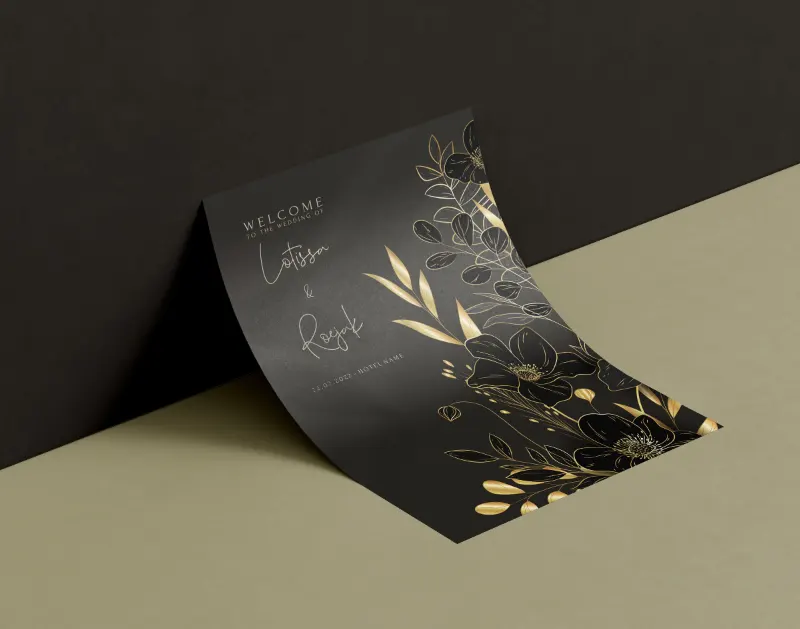
Digital foil employs heat and pressure to apply metallic foil directly onto designs, eliminating the need for traditional dies. This innovative method provides a quick and customizable solution for adding a shiny, luxurious finish to your prints.
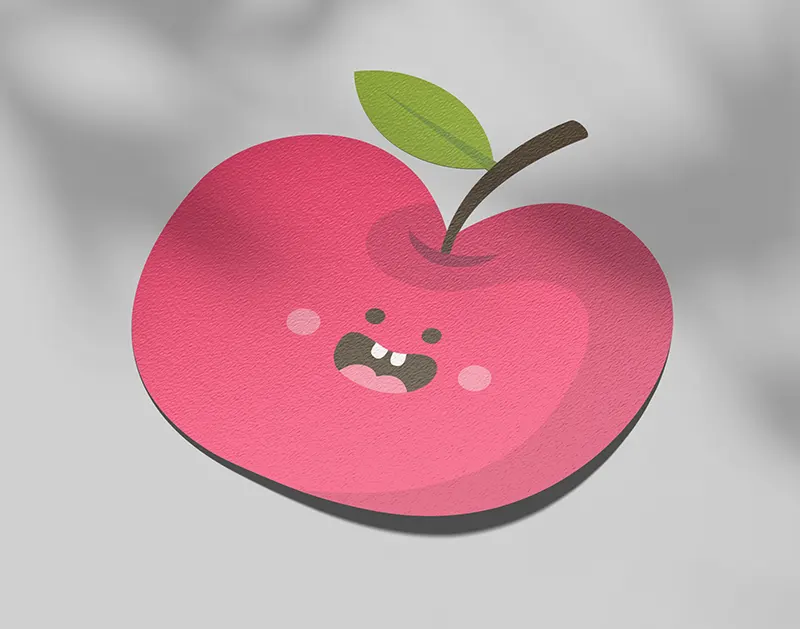
Die-cutting in printing utilizes a metal die to cut paper or other materials into specific shapes. This technique is commonly employed for custom shapes, packaging, and labels, allowing for precise and unique designs that elevate your printed materials.
Coating
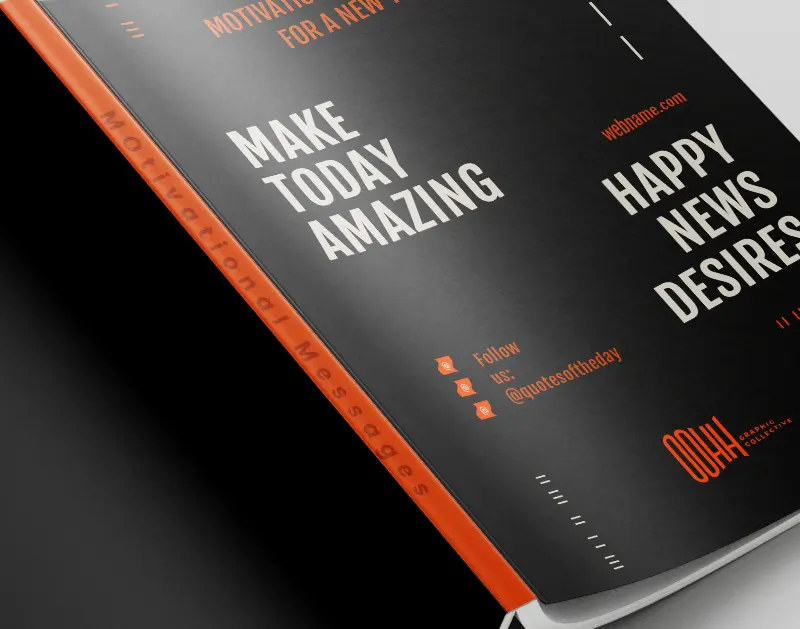
Semi-gloss coating provides a smooth, moderately shiny finish that enhances color vibrancy while reducing glare. It offers a durable, fingerprint-resistant surface, perfect for high-quality prints with a subtle sheen.
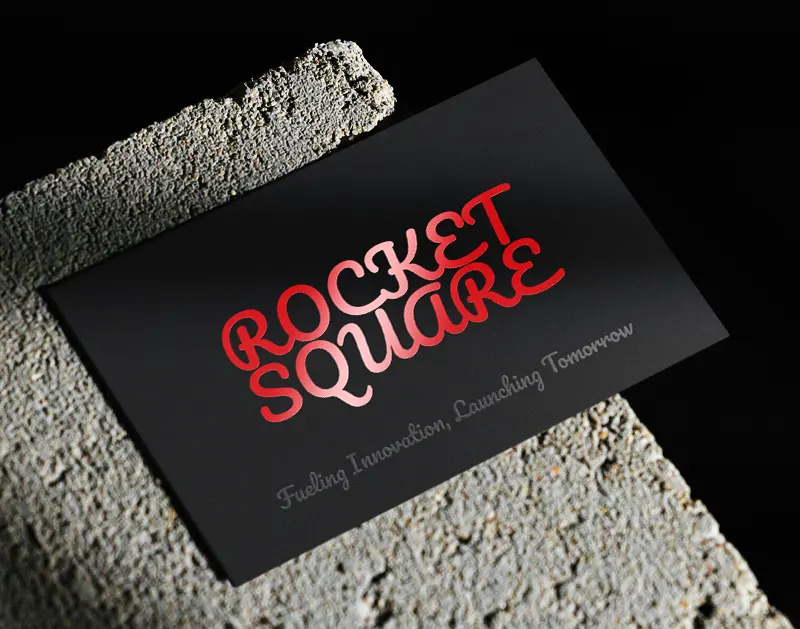
Spot UV coating applies a high-gloss finish to specific areas of a print, creating a striking contrast against a matte or uncoated background. It highlights details with a reflective shine, adding depth and visual interest to the design.
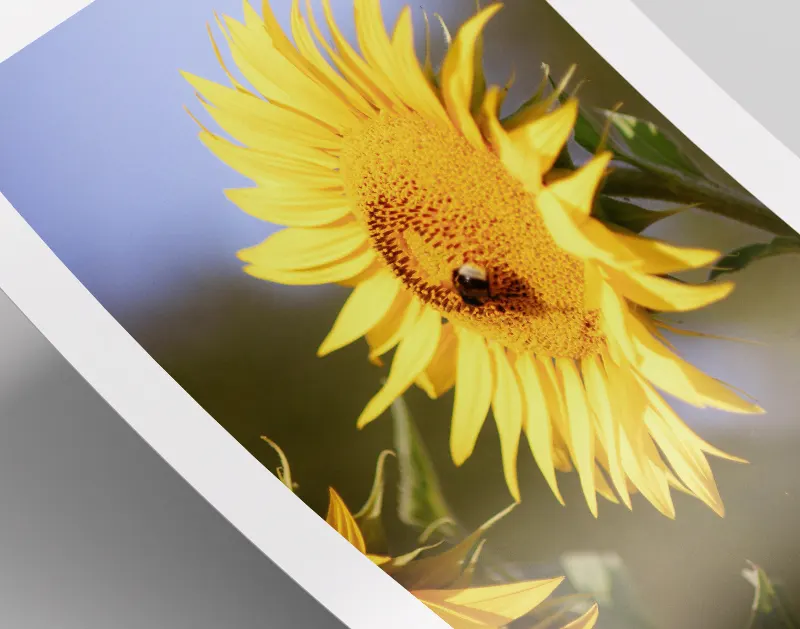
Soft Touch coating provides a smooth, velvety texture that creates a rich, tactile experience, adding a layer of elegance to prints. It offers both a sophisticated matte finish and enhanced durability for a premium look and feel.
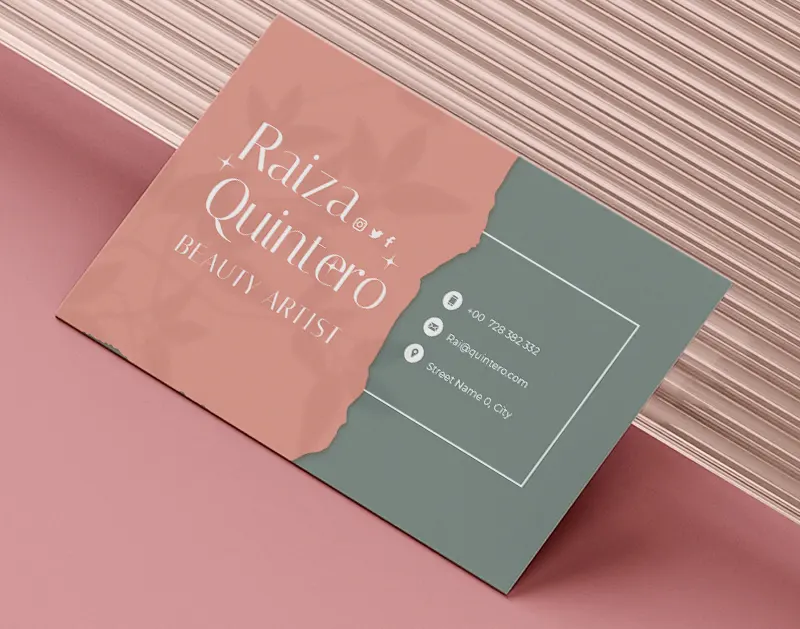
Velvet coating offers a luxurious, soft-touch finish with a subtle matte appearance, adding a rich, tactile quality to prints. It enhances durability while giving materials a sophisticated, premium feel.
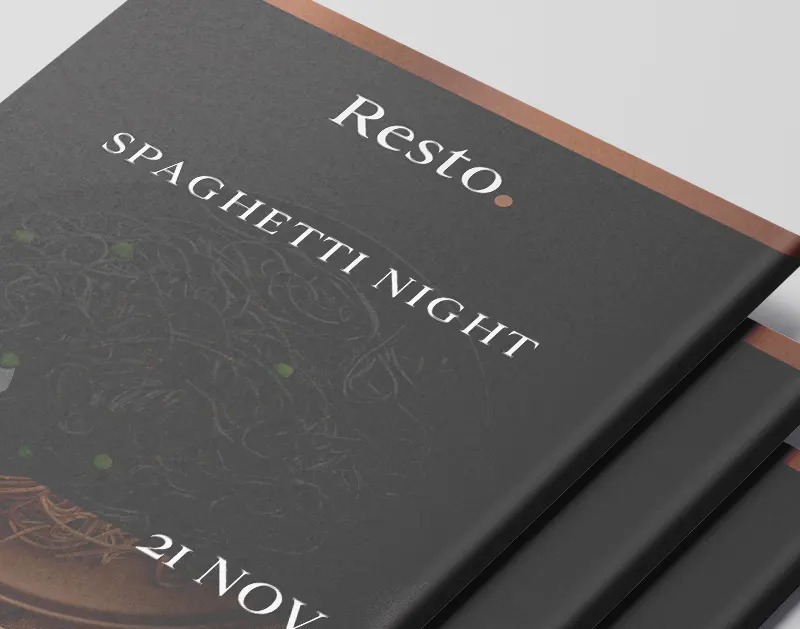
Matte coating delivers a smooth, non-reflective finish that minimizes glare, offering a soft and elegant look. It enhances readability and gives prints a sophisticated, understated feel.
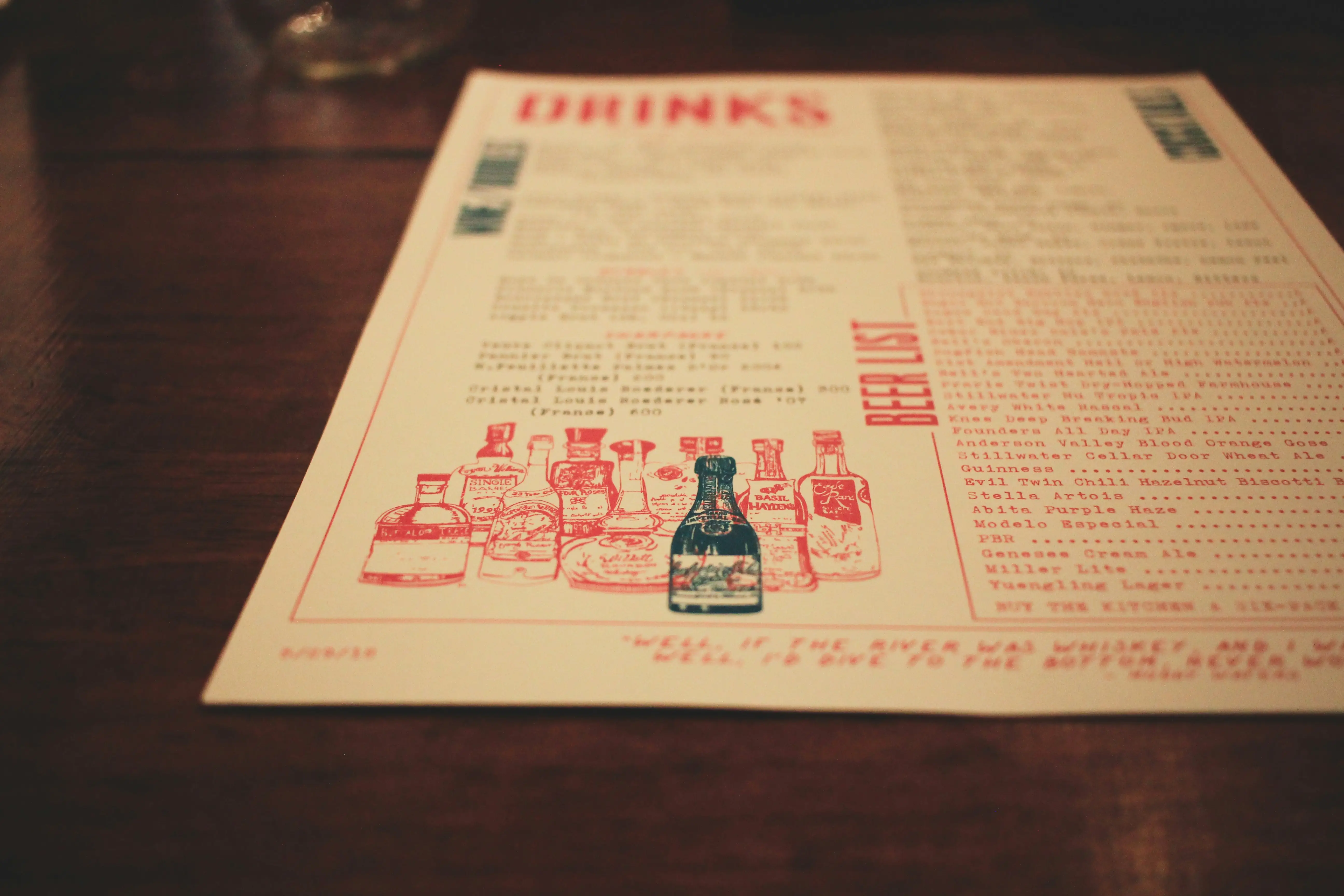
Why Custom Takeout Menus Are a Smart Choice for Your Business
In an era dominated by digital tools like QR codes, customers still prefer the simplicity and personal touch of a physical menu—especially for takeout orders. Custom takeout menus make it easier for customers to browse your offerings without the hassle of technology, ensuring a smoother and more enjoyable experience. A well-designed, professional menu can showcase your dishes, highlight specials, and reinforce your brand image. Plus, physical menus are easy to distribute, making them a powerful marketing tool for repeat business and new customer acquisition.
Benefits of Custom Takeout Menus:
Investing in custom takeout menus ensures your business stands out while providing a tangible, customer-friendly solution that technology simply can’t replicate.
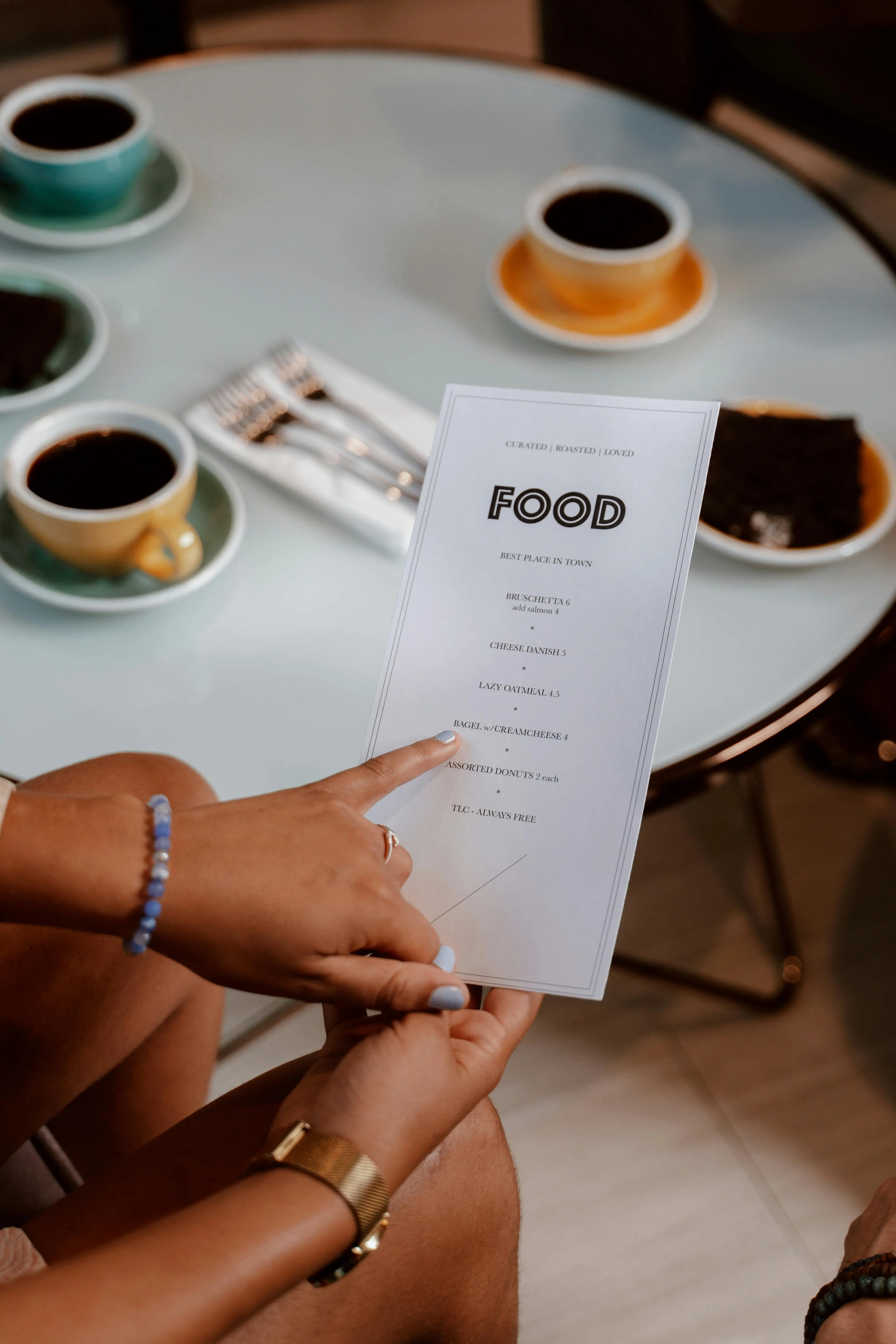
Perfect for Every Type of Restaurant
Custom takeout menus are a versatile option for all types of dining establishments, from fast-food joints to fine dining experiences. Whether you’re running a casual café or a high-end restaurant, takeout menus help bridge the gap between in-person service and off-premises dining. They allow you to communicate your offerings clearly and professionally while staying true to your restaurant’s brand. No matter your niche, a custom takeout menu enhances convenience and leaves a lasting impression.
Great for These Types of Restaurants:
No matter what type of restaurant you run, custom takeout menus are an essential tool for making your business memorable, functional, and successful.
FAQs


Tel: 323.938.4262 Text us
Toll Free: 877.705.7575

quotes@goldimageprinting.com
support@goldimageprinting.com

5784 venice blvd. los angeles, ca 90019

M - F | 9am - 6pm


2026, Gold Image Printing. All Rights Reserved